
United Kingdom · free 24 hour trial
IPTV UK – Free 24 Hour IPTV Trial
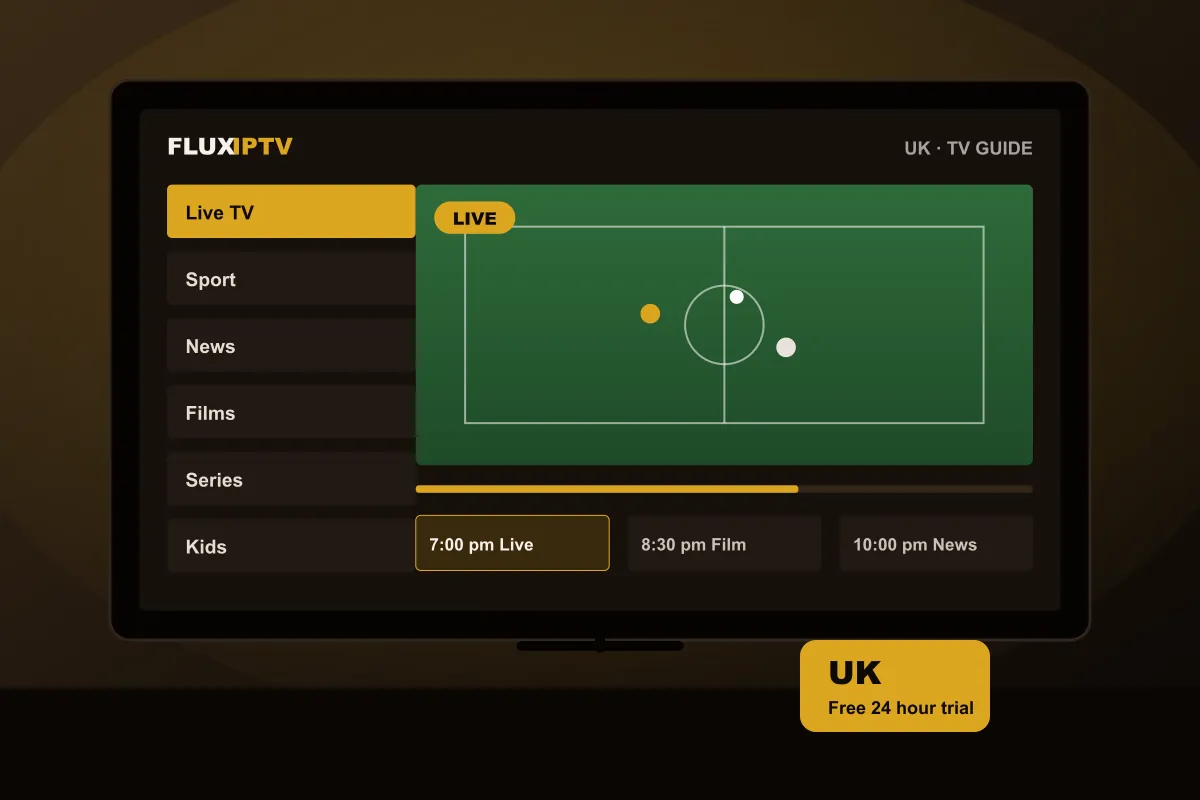
Try FluxIPTV at home for a full day before you spend a penny. The IPTV UK free trial runs on your own telly and your own broadband, with no card details and no automatic subscription.
In short: FluxIPTV offers UK viewers a free IPTV trial that lasts 24 hours. Tell us your device on WhatsApp or Telegram, receive login details with setup steps, and watch at home. No payment is taken and access ends on its own.
Why UK viewers start with a free IPTV trial
A satellite or cable TV package with sport and cinema add-ons soon adds up once you count the box, the multiroom fee and the yearly price rise. Streaming over broadband is a cheaper route, but only if it runs smoothly in your own front room. A free IPTV trial lets you find that out first.
Three things decide the result: your device, your broadband and when you watch. A Fire TV Stick on a fibre line behaves very differently from an older Smart TV on Wi-Fi two rooms from the router. Twenty-four hours is enough to see which one you have.
Making the most of your IPTV 24 hour trial
- Set up in daylight: install the app and log in before the evening rush.
- Flick through ten channels: each should start within a few seconds.
- Watch at peak time: an hour of live TV between 7pm and 10pm tells you the most.
- Test a full match: if sport is why you are here, watch one from start to finish.
- Try the extras: open the TV guide, start a film, pause it and resume.
IPTV UK broadband and Wi-Fi tips
Most IPTV UK problems come from the home network, not the stream. If your router sits by the front door and the telly is at the back of the house, plug in an Ethernet cable or use the 5 GHz band. Part-fibre lines are fine for Full HD; for 4K, full fibre or a fast cable connection gives more headroom.
Want a step-by-step checklist? Read how to run an IPTV test. For device help, see the Firestick guide or the Smart TV guide.
How to request your IPTV UK free trial
- 01
Pick your device
Use the form to choose what you watch on: Fire TV Stick, Smart TV, Android TV, phone or laptop.
- 02
Send the message
WhatsApp opens with your request already written. Just tap send.
- 03
Get your login
We reply with trial details valid for 24 hours and the right player app for your device.
What the trial includes
During the IPTV UK trial you use the service exactly as a paying customer would.
- Live TV channels, sorted into categories
- Sports categories, so you can test on a match night
- Films and series on demand
- TV guide (EPG) in apps that support it
- HD, Full HD and 4K, depending on the channel and your screen
- Setup help on WhatsApp or Telegram
Supported devices for IPTV UK viewers
Run the trial on the device you will actually use.
- Amazon Fire TV Stick The quickest setup; the 4K models cope best with high-bitrate streams
- Samsung and LG Smart TV Player app from the TV’s own app store
- Android TV and Google TV Sony, Philips, TCL, Hisense or an Android box
- Apple TV, iPhone, iPad Compatible players in the App Store
- Laptop or PC Windows or Mac with a media player
Up and running in a few minutes
- 01
Install the app
Download the player we recommend from your device’s app store.
- 02
Enter your login
Username, password and server address, or an M3U link in some apps.
- 03
Let it load
Channels, guide and library load. The first load takes the longest.
- 04
Set and watch
Set the guide to UK time and add your favourite channels.
Stuck? Send us a screenshot. It is usually a typo or the Wi-Fi, and it takes a couple of minutes to sort.
IPTV UK prices if the trial works for you
One 1-year plan, paid once. You only choose the number of accounts.
1 Year Subscription
All includedOne plan, everything included. Choose how many screens play at the same time.
Included in every option
- 18,000 live TV channels
- 60,000+ movies and series on demand
- Worldwide sport channels (football, darts, F1, NBA and more)
- HD, Full HD and 4K quality
- Request a movie or series, we add it
- TV guide (EPG) and channel replay
- Support 24/7
Prices in euros (EUR), one payment for 1 year, no automatic renewal. Pay by credit card, iDEAL or bank transfer; your bank converts the amount to your currency. Channel and title counts are approximate and line-ups change over time. 4K depends on the channel, your device and your connection.
Not ready to buy?
Start with a free 24h IPTV trial on your own device. No card needed.
IPTV UK free trial questions
Is the IPTV free trial really free in the UK?
Yes. The trial runs for 24 hours, costs nothing and we never ask for card details. Access simply ends when the time is up, with nothing to cancel.
Will it work on my Amazon Fire TV Stick?
Yes. The Fire TV Stick is the device we set up most often for UK viewers. Tell us your model and we suggest a compatible player app.
Is my broadband fast enough?
Allow about 10 Mbps for Full HD and 25 Mbps or more for 4K. Most fibre and part-fibre lines manage this easily; Wi-Fi at the telly is more often the weak point.
Why are prices in euros and not pounds?
FluxIPTV bills in euros. Your bank or card converts the amount to pounds at the day’s rate, so the sterling figure moves slightly. Some UK cards add a small non-sterling transaction fee.
Do I need a TV aerial or satellite dish?
No. The service streams over your broadband to a player app, so no aerial, dish or engineer visit is needed.
What happens after the 24 hour trial?
If you liked it, choose the 1-year plan for 1, 2 or 3 accounts and we activate it. If not, you do nothing: there is no automatic subscription.
How do I get in touch?
Message us on WhatsApp at +44 7404 162380 or on Telegram at @Fluxiptv1.
Ready for your IPTV UK trial?
Tell us what you watch on. Your login and setup guide arrive on WhatsApp.